

Read
View conversations and bot settings. Safe for analytics and monitoring.
All API requests must be authenticated using an API key. This guide covers how to generate and use API keys securely. Security
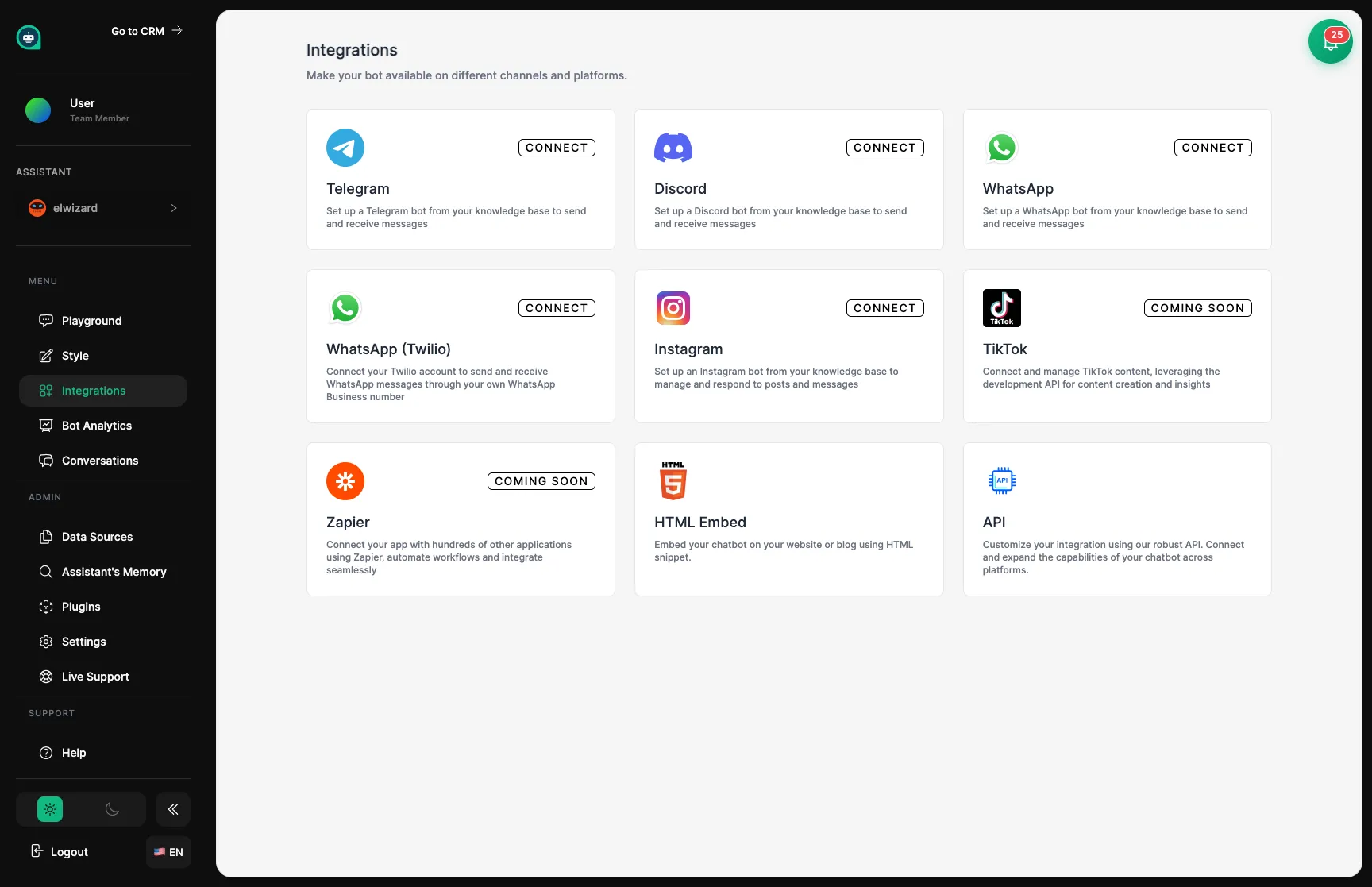
Navigate to Settings
Go to Settings → API Keys in your dashboard.
Click Generate New Key
Start the key generation process.
Name your key
Give it a descriptive name (e.g., “Production Server”, “Development”).
Copy and store securely
⚠️ The key won’t be shown again! Store it immediately in a secure location.
Include your API key in the Authorization header of all requests:
curl -X POST https://api.mygptassistants.com/api/v1/chat/YOUR_BOT_ID/message \ -H "Authorization: Bearer YOUR_API_KEY" \ -H "Content-Type: application/json" \ -d '{"message": "Hello"}'const response = await fetch('https://api.mygptassistants.com/api/v1/chat/BOT_ID/message', { method: 'POST', headers: { 'Authorization': `Bearer ${process.env.MGA_API_KEY}`, 'Content-Type': 'application/json', }, body: JSON.stringify({ message: 'Hello' }),});import requestsimport os
response = requests.post( 'https://api.mygptassistants.com/api/v1/chat/BOT_ID/message', headers={ 'Authorization': f'Bearer {os.environ["MGA_API_KEY"]}', 'Content-Type': 'application/json', }, json={'message': 'Hello'},)Read
View conversations and bot settings. Safe for analytics and monitoring.
Write
Send messages and update settings. Required for most integrations.
Admin
Full Access
Full access including key management. Use sparingly.
| Permission | Capabilities |
|---|---|
read | View conversations, bot settings, analytics |
write | Send messages, update settings, manage conversations |
admin | All above + key management, team settings |
Recommended for most cases
# .env file (never commit this!)MGA_API_KEY=your_api_key_here// Access in codeconst apiKey = process.env.MGA_API_KEY;For production deployments
Use your platform’s secrets management:
| Platform | Service |
|---|---|
| AWS | Secrets Manager |
| GCP | Secret Manager |
| Azure | Key Vault |
| Vercel | Environment Variables |
| Railway | Variables |
Go to Settings
Navigate to Settings → API Keys.
Find the key
Locate the key you want to revoke in the list.
Click Revoke
Select the revoke option for that key.
Confirm
Verify you want to revoke the key.
Create a new key
Generate a new API key in your dashboard.
Update applications
Deploy the new key to all your applications.
Verify functionality
Ensure all integrations work with the new key.
Revoke the old key
Once confirmed, revoke the previous key.
| Error Code | Description | Solution |
|---|---|---|
401 Unauthorized | Missing or invalid API key | Check header format |
403 Forbidden | Key lacks required permission | Use key with correct permissions |
429 Too Many Requests | Rate limit exceeded | Implement backoff and retry |
Environment Variables
Store keys in env vars, not code.
.gitignore
Ensure .env is in .gitignore.
Minimal Permissions
Use the least privilege needed.
Regular Rotation
Rotate keys every 90 days.