

Ask Questions
Type a question just like a customer would and see what your assistant finds.
The Search page lets you peek into your assistant’s brain to see what they’ve learned. Ask a question and see exactly what information they pull from their training materials. This is like quizzing an employee to make sure they absorbed their training.
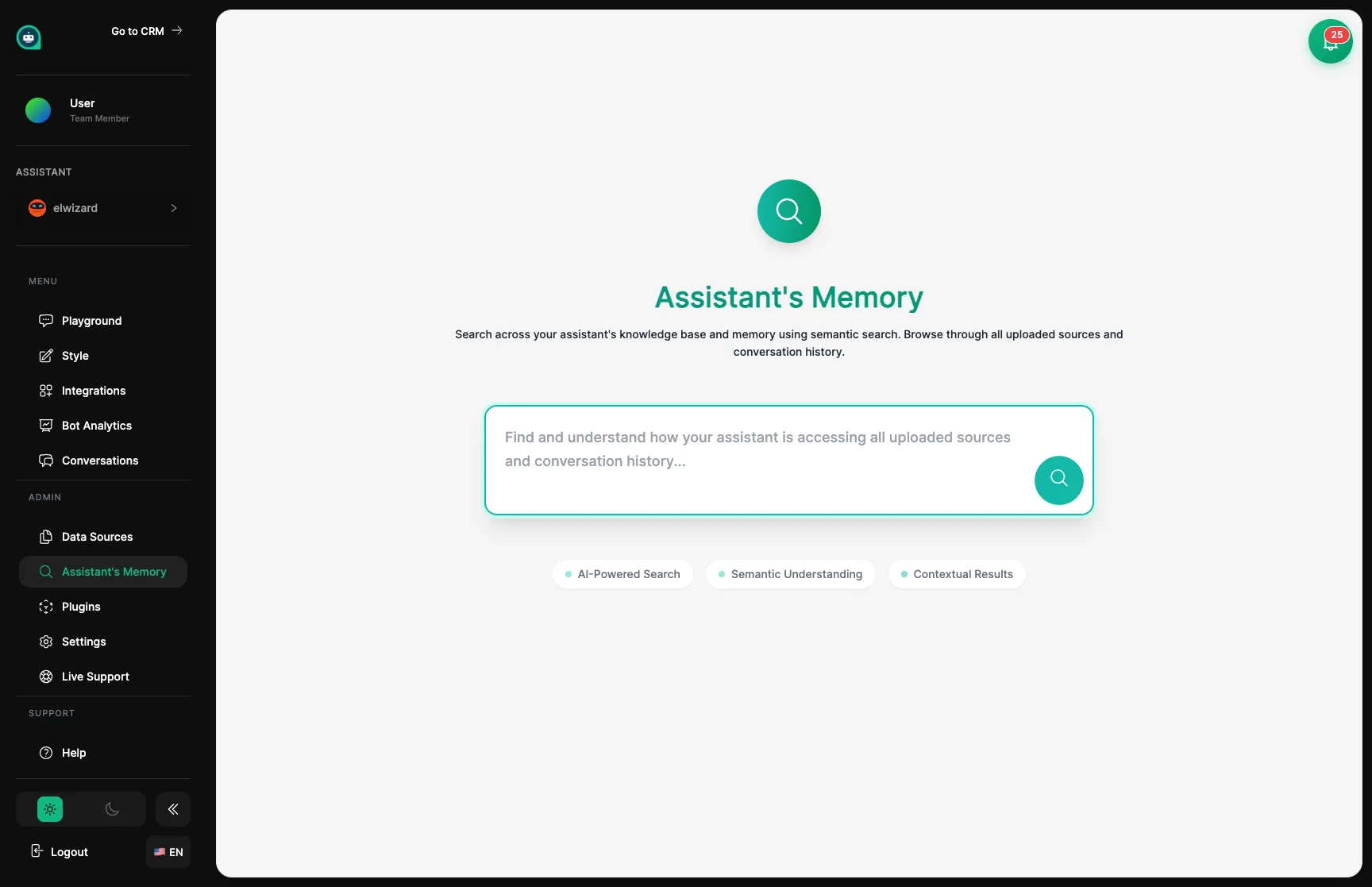
Ask Questions
Type a question just like a customer would and see what your assistant finds.
Check Relevance
See how closely each result matches your question (scored from 0 to 1).
Trace Sources
Know exactly which training material each answer came from.
Find Gaps
Discover topics where your assistant needs more training before customers notice.
Ask a question
Type something a customer might ask, using natural language.
Review what they found
Look at the information chunks and how relevant each one is.
Verify the source
Make sure the answers come from accurate, up-to-date training materials.
Note the gaps
Write down topics that returned no results or poor matches.
When you search, you’ll see the most relevant pieces of information from your assistant’s training. Each result shows a relevance score (how well it matches your question) and which training material it came from.
| Score | What It Means |
|---|---|
| 0.9 - 1.0 | Excellent – Your assistant really knows this |
| 0.7 - 0.9 | Good – They have solid information |
| 0.5 - 0.7 | Fair – The info is somewhat related |
| Below 0.5 | Weak – They might struggle with this |
| Part | What It Tells You |
|---|---|
| Content | The actual information found |
| Source | Which training material it came from |
| Score | How well it matches your question |
| Details | Extra context like page number or section |
The search results show you the exact pieces of text your assistant will draw from when answering questions. This helps you confirm they have the right information and can find it when needed.
When searches come up empty or with low scores, you’ve found a gap in your assistant’s training. They don’t have good information on that topic yet. Use these gaps to plan what training materials to add next.
No Results
Urgent Gap
Your assistant knows nothing about this. Add training materials right away.
Low Scores
Content Gap
They have some info but it’s unclear or incomplete. Consider adding clearer materials.
Wrong Results
Accuracy Issue
They’re finding unrelated information. Review and reorganize training materials.
Great Results
Ready to Go
Your assistant is well-prepared for this topic.
Test the most common questions
Search for your top 10 customer questions to make sure your assistant is ready.
Try different phrasings
Ask formally, casually, and even with typos to see how flexible they are.
Test unusual scenarios
Search for edge cases and niche topics that might come up.
Verify accuracy
Confirm the information is correct and current.
Make a gap list
Document topics that need more training materials.
Test the questions your customers ask most often. Can your assistant find the right information? Is it accurate?
| Try Searching For | What You’re Checking |
|---|---|
| ”How do I reset my password?” | Account help content |
| ”What’s your return policy?” | Policy information |
| ”Business hours” | Contact and availability info |
| ”Price of [your product]“ | Accurate pricing data |