

Targeted Campaigns
Send relevant messages to the right audience.
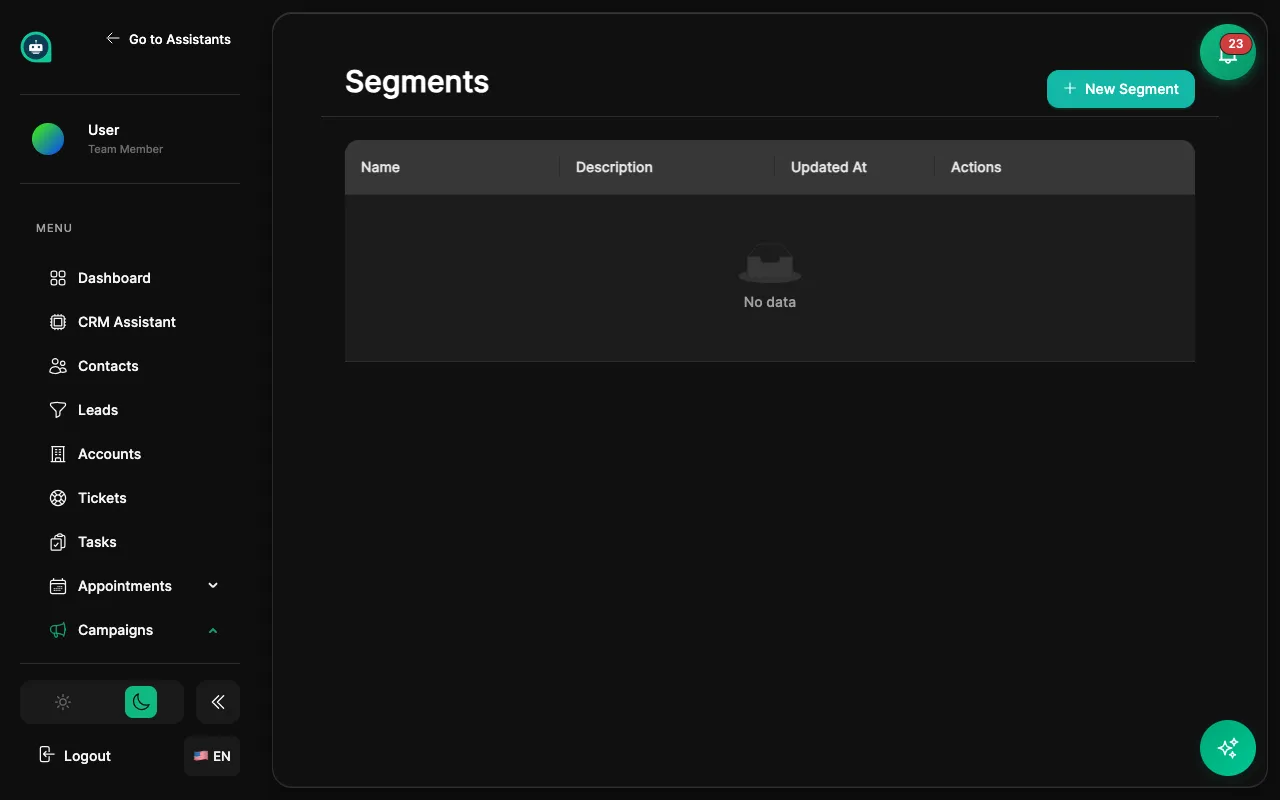
Segments are dynamic groups of contacts based on rules you define. Targeting
Targeted Campaigns
Send relevant messages to the right audience.
Personalization
Customize bot behavior based on segment membership.
Analysis
Understand your audience with segment-based metrics.
Automation
Trigger workflows when contacts enter/exit segments.
Click + New Segment
Open the segment creation form from the Segments page.
Name your segment
Give it a clear, descriptive name (e.g., “VIP Customers”, “Inactive 30 Days”).
Add filter rules
Define conditions that contacts must match to be included.
Preview results
See how many contacts match your rules before saving.
Save
The segment is now active and ready for use.
| Filter | Example |
|---|---|
| Name contains | ”Smith” |
| Email domain | ”@company.com” |
| Created date | Last 30 days |
| Has tag | ”VIP” |
| Custom field | Any value match |
| Filter | Example |
|---|---|
| Had conversation | In last 7 days |
| Opened email | Any campaign |
| Booked appointment | Ever / recently |
| Submitted form | Specific form |
| Clicked link | In last email |
| Filter | Example |
|---|---|
| Lead score | Above 80 |
| Has open ticket | True/False |
| Purchase value | Over $1,000 |
| Pipeline stage | ”Negotiation” |
| Deal value | Above threshold |
AND Logic
Contact must match all conditions.
Example: Has tag “Customer” AND purchased in last 90 days
OR Logic
Contact matches any condition.
Example: Tag is “VIP” OR purchase value > $5,000
Fixed list of contacts
Manual Control
Add or remove contacts manually.
Fixed Membership
Doesn’t update automatically.
Use Case
One-time campaigns, specific lists.
Updates automatically based on rules Recommended
Real-Time
Membership updates as data changes.
Rule-Based
Define conditions, system handles membership.
Use Case
Ongoing targeting, behavior-based groups.
In Campaigns
Target specific audiences
Select segment as campaign audience. Contacts matching rules receive the campaign.
In Workflows
Trigger automation
“When contact enters VIP segment” or “When contact leaves Active segment”.
In Bot Behavior
Personalize responses
Different greetings, VIP routing, custom offers based on segment.
In Reports
Analyze performance
Compare metrics across segments to understand audience behavior.
| Segment Name | Rules | Use Case |
|---|---|---|
| VIP Customers | Lifetime value > $5,000 OR tag = “VIP” | Priority support, exclusive offers |
| Inactive 30 Days | Last conversation > 30 days ago | Re-engagement campaign |
| High Intent | Lead score > 80 AND has open deal | Sales follow-up priority |
| New This Week | Created date = last 7 days | Welcome sequence |
| At Risk | Support tickets > 3 AND no purchase in 60 days | Retention outreach |