

Trigger
Event that starts the workflow
Contact created, message received, schedule reached.
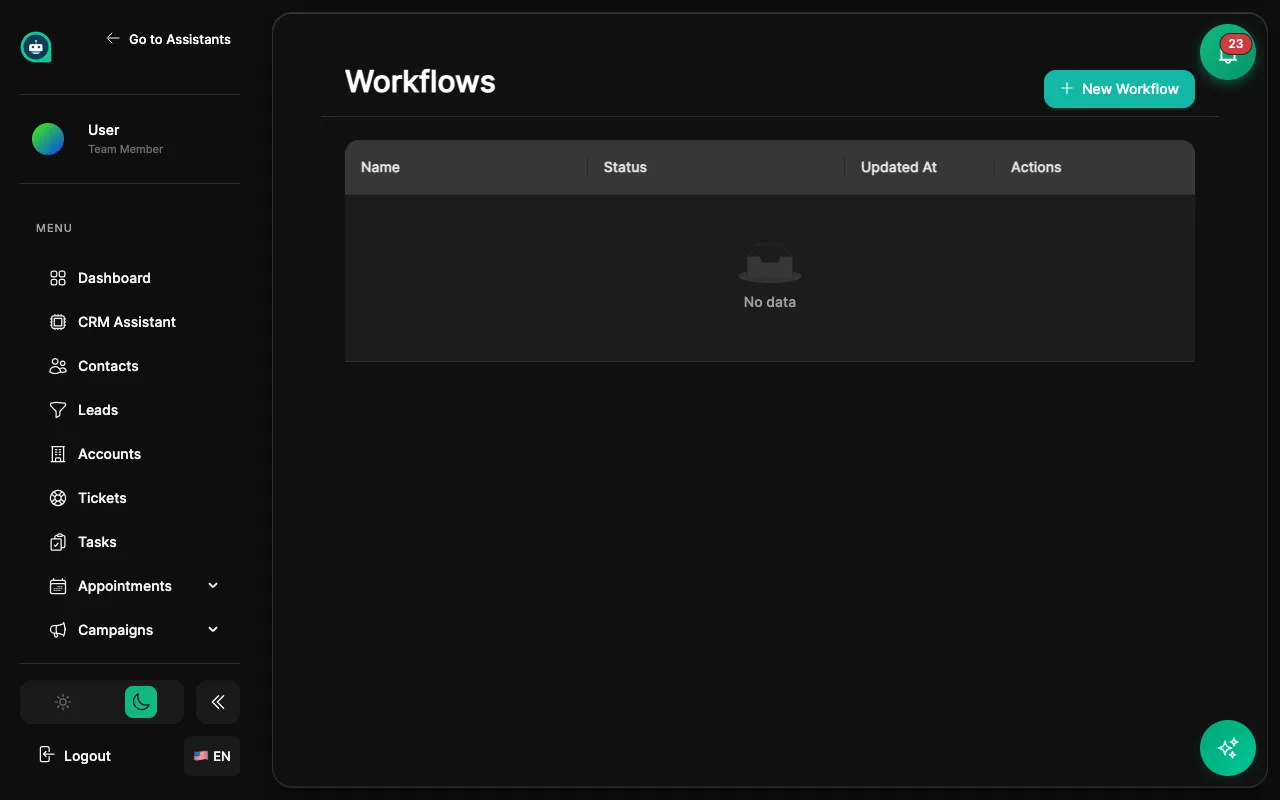
Workflows automate repetitive tasks by triggering actions based on events. Automation
Trigger
Event that starts the workflow
Contact created, message received, schedule reached.
Conditions
Rules that must be true
Filter when workflow runs based on data.
Actions
What happens when triggered
Send emails, update records, notify team.
| Trigger | Description |
|---|---|
| Contact created | New contact added to CRM |
| Contact updated | Any field changes |
| Added to segment | Contact matches segment rules |
| Tag added/removed | Tag changes on contact |
| Trigger | Description |
|---|---|
| Conversation started | New chat begins |
| Conversation ended | Chat session closes |
| Message received | Any incoming message |
| Escalation requested | User asks for human |
| Sentiment detected | Positive/negative detected |
| Trigger | Description |
|---|---|
| Lead created | New lead in pipeline |
| Lead status changed | Stage progression |
| Ticket created | New support ticket |
| Appointment booked | Meeting scheduled |
| Appointment cancelled | Meeting cancelled |
| Trigger | Description |
|---|---|
| Scheduled (cron) | Runs on schedule |
| Delay after event | Wait then execute |
| Date field reached | When date arrives |
Contact Properties
Filter by name, email, tags, custom fields.
Conversation Data
Based on message content, platform, sentiment.
Time-Based
Business hours, days since event, dates.
Custom Logic
AND/OR combinations for complex scenarios.
Update Fields
Change any contact property or custom field.
Add/Remove Tags
Manage contact organization and targeting.
Add to Segment
Place contact in specific segment.
Assign to User
Route contact to team member.
Send Email
Automated email from templates.
Send SMS
Text message notifications.
Internal Notification
Alert team members.
Create Task
Assign follow-up tasks.
Create Lead
Add new lead to pipeline.
Update Lead Status
Move lead through stages.
Create Ticket
Open support ticket.
Assign Ticket
Route to support team.
Call Webhook
Send data to external URLs.
Update External CRM
Sync with other systems.
Trigger Zapier
Connect to 5,000+ apps.
Wait/Delay
Pause before next action.
Conditional Branch
If/then logic paths.
End Workflow
Stop execution.
Navigate to Workflows
Go to CRM → Workflows from the sidebar.
Click Create Workflow
Start a new workflow configuration.
Select a trigger
Choose what event starts the workflow.
Add conditions
Define when the workflow should run (optional).
Add actions
Configure what happens when triggered.
Test the workflow
Use test mode with sample data.
Activate
Turn on the workflow for production use.
Trigger: Contact created
Trigger: Lead score > 50
Trigger: Escalation requested
| Status | Description |
|---|---|
| Active | Running and processing triggers |
| Paused | Temporarily disabled |
| Draft | Not yet activated |
| Error | Has execution failures |