

Multiple Pipelines
Create separate pipelines for different sales processes (e.g., B2B, B2C, Enterprise).
Pipelines help you organize and track your sales process by defining sequential stages that opportunities move through. Sales
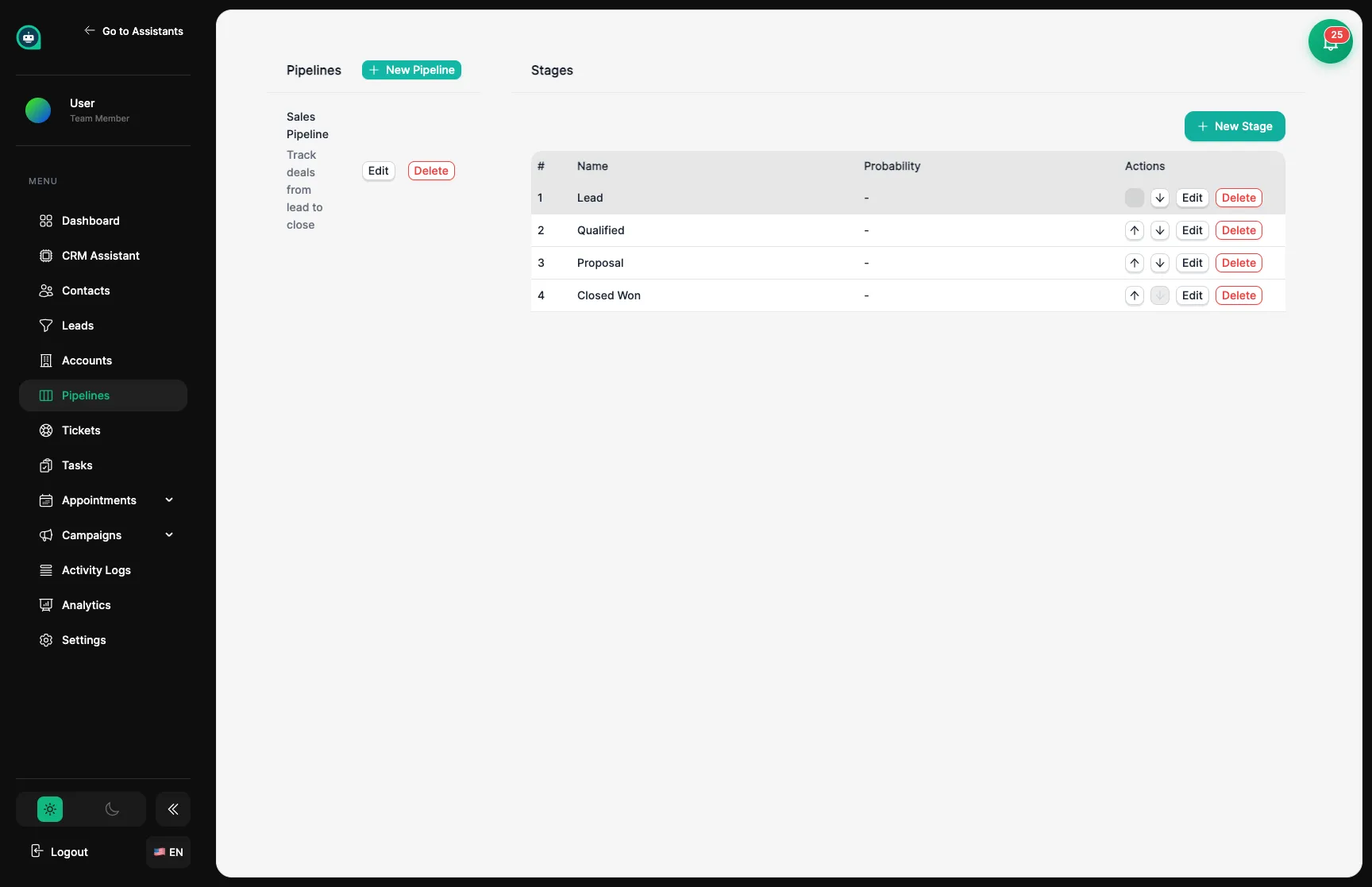
A pipeline is a structured workflow representing your sales process. Each pipeline contains ordered stages that define the journey from initial lead to closed deal.
Multiple Pipelines
Create separate pipelines for different sales processes (e.g., B2B, B2C, Enterprise).
Custom Stages
Define stages that match your unique sales workflow.
Stage Reordering
Easily reorder stages using up/down controls.
Team Scoped
Each team has its own isolated pipelines.
Navigate to Pipelines
Go to CRM → Pipelines from the sidebar navigation.
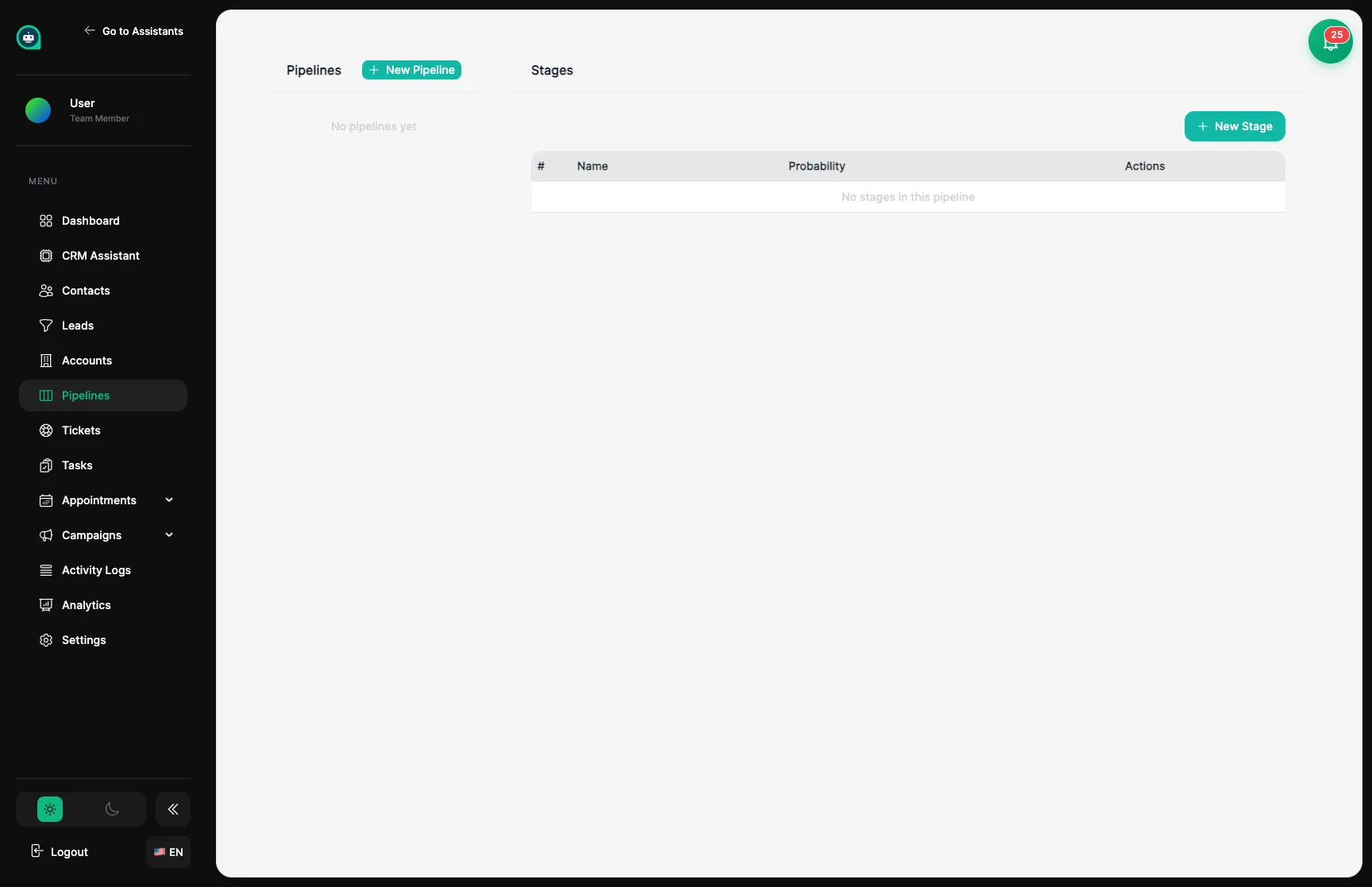
Click New Pipeline
Click the + New Pipeline button in the left panel.
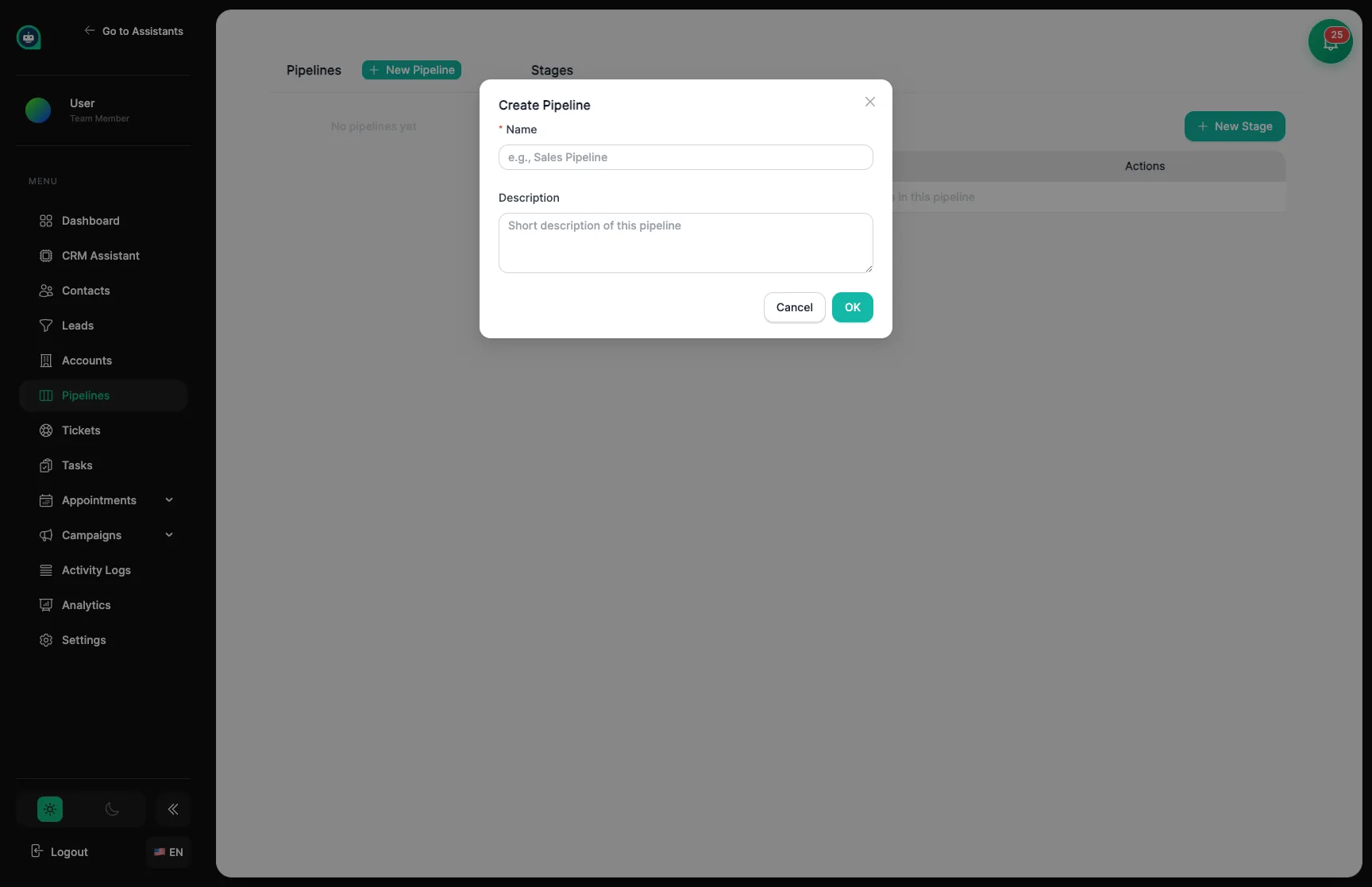
Enter Pipeline Details
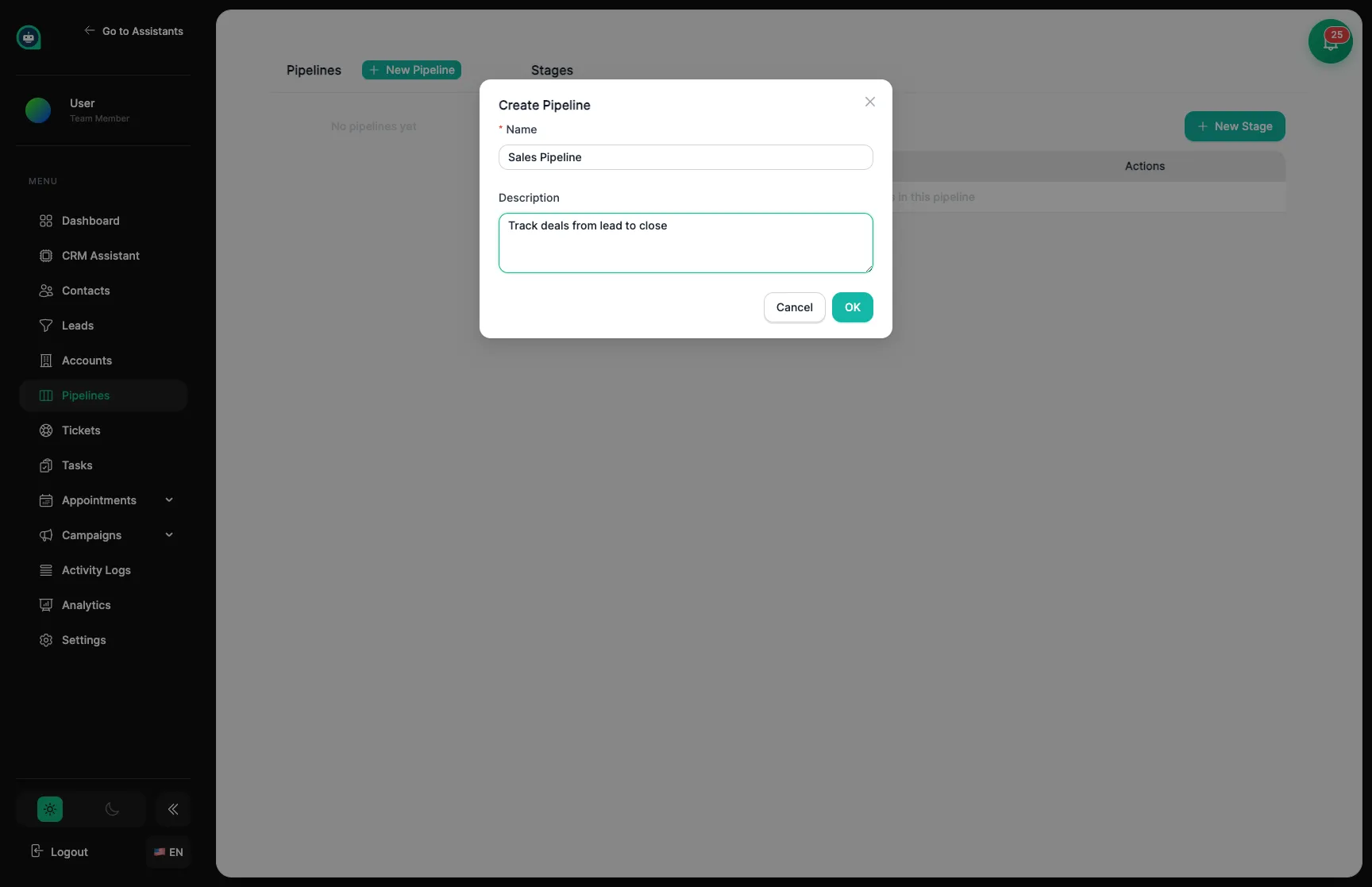
Save
Click OK to create the pipeline. It will appear in the pipelines list.
Once you’ve created a pipeline, you can add stages to define your sales workflow.
Select a Pipeline
Click on a pipeline in the left panel to view its stages.
Click New Stage
Click the + New Stage button above the stages table.
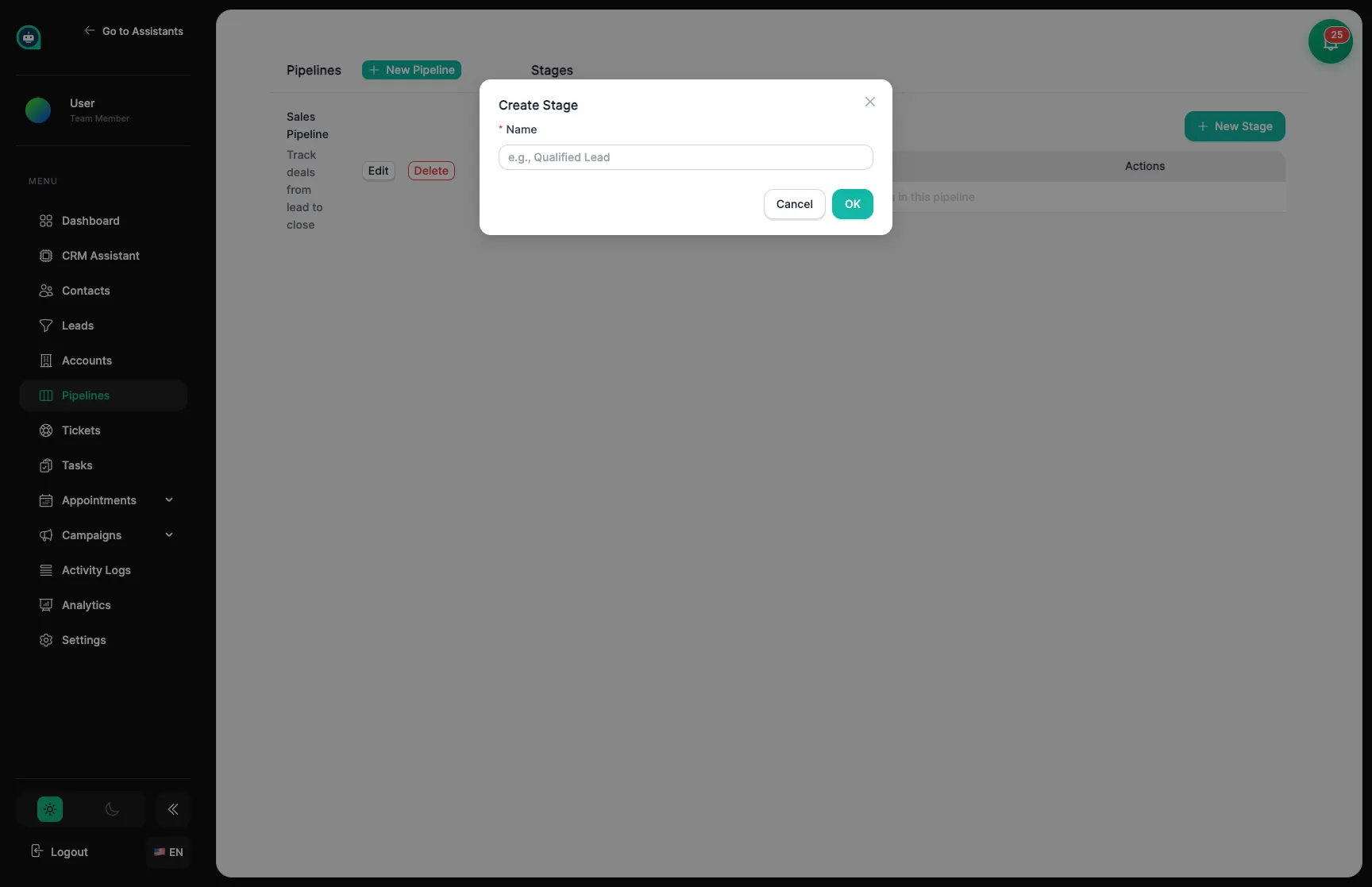
Enter Stage Name
Give the stage a clear, action-oriented name (e.g., “Lead”, “Qualified”, “Proposal”).
Save
Click OK to add the stage. New stages are added at the end of the list.
Use the arrow buttons in the Actions column to move stages up or down in the sequence:
| # | Stage | Description |
|---|---|---|
| 1 | Lead | Initial contact, needs qualification |
| 2 | Qualified | Confirmed fit and interest |
| 3 | Proposal | Sent pricing or proposal |
| 4 | Closed Won | Deal completed successfully |
| Property | Description |
|---|---|
| Name | Display name shown in lists and tables |
| Order | Position in the pipeline sequence (auto-managed) |
| Probability | Optional likelihood of closing at this stage |
Click the Edit button next to any pipeline or stage to modify its details.
Click Delete next to a pipeline and confirm the action.
Click Delete next to a stage to remove it from the pipeline.
The Pipelines page is fully responsive:
| Pipeline | Example Stages | Use Case |
|---|---|---|
| Sales | Lead → Qualified → Proposal → Closed Won | Standard B2B sales |
| Enterprise | Discovery → Demo → POC → Contract | High-touch deals |
| Support | New → In Progress → Resolved | Support ticket tracking |
| Onboarding | Signed → Setup → Training → Active | Customer onboarding |