

Chat Activity
How Busy They Are
See total conversations, messages per chat, and how engaged customers are over time.
Analytics show you how well your assistant is doing their job. See how many customers they’ve helped, what questions come up most often, and which channels are busiest. It’s like reviewing your team member’s performance metrics to understand their strengths and where they could improve.
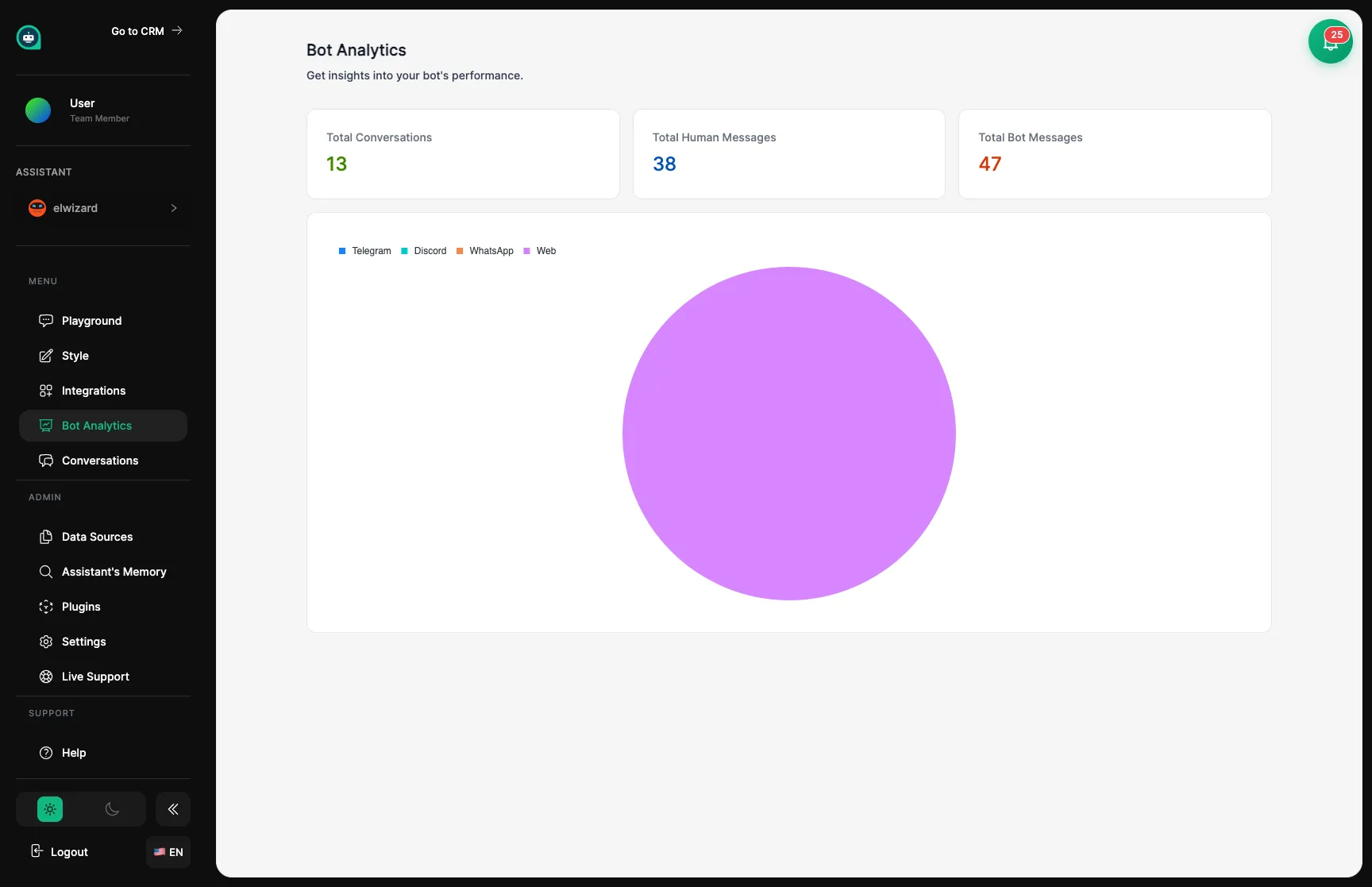
Chat Activity
How Busy They Are
See total conversations, messages per chat, and how engaged customers are over time.
Performance
How Well They’re Doing
Check response speed, how many questions they solved, and when they needed human help.
Customer Happiness
What Customers Think
View satisfaction ratings and how customers feel about the conversations.
Popular Topics
What People Ask About
Discover which subjects customers bring up most frequently.
See how many conversations your assistant has handled and how many messages were exchanged. This tells you how active they are and how much customers are engaging with them.
| Metric | What It Shows |
|---|---|
| Total Conversations | All chats your assistant has had |
| Messages Sent | How many responses they gave |
| Avg. Messages/Chat | How deep conversations go |
| Daily/Weekly Trends | When they’re busiest |
| Metric | What It Shows |
|---|---|
| Chat Duration | How long customers stay engaged |
| Return Visitors | People who come back |
| Quick Exits | Customers who leave fast |
| Resolved Chats | Questions successfully answered |
See which channels customers prefer – your website, Instagram, Telegram, etc. This helps you know where to focus your efforts and where your assistant is working hardest.
Website
How the chat widget on your site is performing.
Social Media
Activity from Instagram, Facebook, and other social channels.
Messaging Apps
WhatsApp, Telegram, and Discord conversations.
Custom Apps
Usage from your own integrations via the API.
See what times and days your assistant is busiest. This helps you know when customers need the most support and when might be a good time to make updates.
Check in weekly
Set a regular time to review how your assistant is performing.
Look for patterns
Notice trends in conversation volume, common topics, and timing.
Spot issues early
Low engagement or customers leaving quickly may mean something needs attention.
Make improvements
Use what you learn to add training materials, adjust settings, or refine how your assistant responds.
Use analytics to guide decisions: if many customers ask about a topic, make sure your assistant has great information on it. If conversations are too short, they might need more training.
Date Range
Look at specific time periods to compare performance before and after changes.
Export Reports
Download your data as spreadsheets or PDFs for deeper analysis.
Real-Time View
Live Watch conversations happening right now.
Alerts
Get notified when something unusual happens or hits certain thresholds.